

We create your practice portal
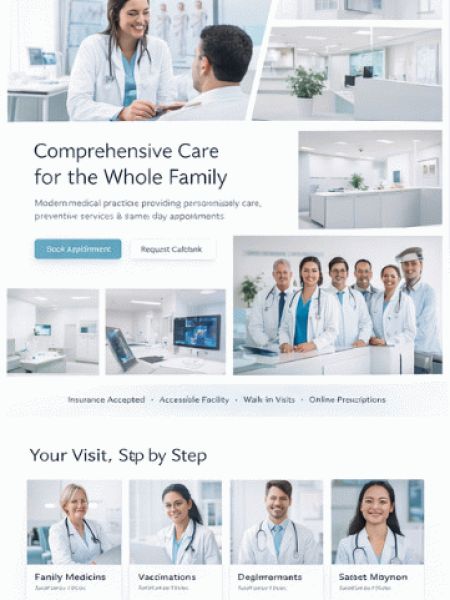
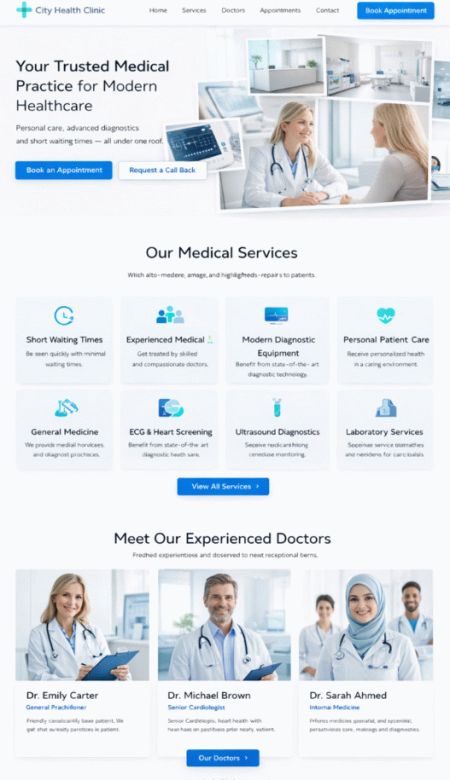
Digital solutions for doctors and practice teams: online appointment booking, digital waiting room, video consultation via stream, AI chat assistant, patient portal, and app with reminders.
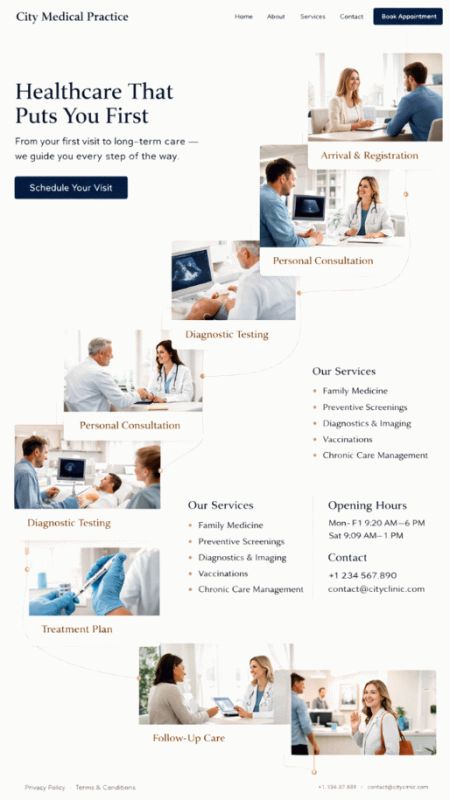
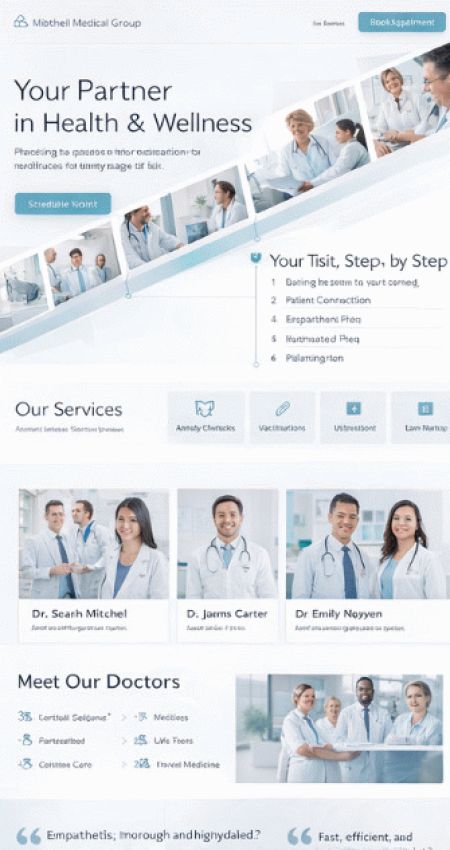
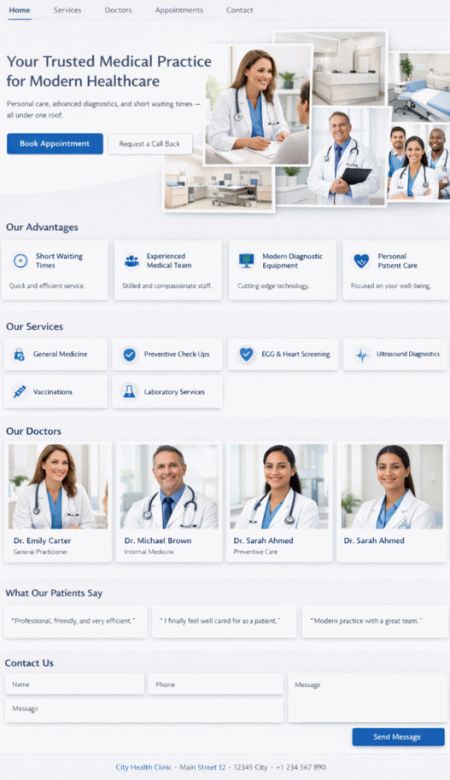
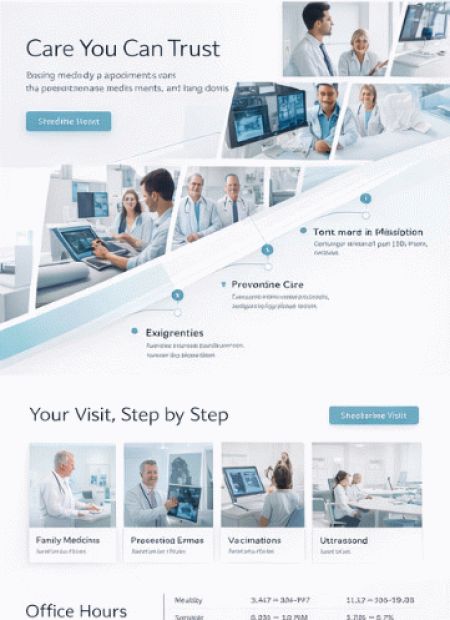
Portal software
digital, patient-friendly, relieving
Practices have specific requirements: reliable appointment scheduling, predictable waiting times, sensitive data, many recurring questions, and high expectations of service and trust. With bluetronix, you receive a portal that you can gradually expand – from a modern practice website to a complete patient platform with an app, stream consultations, and AI-supported communication.
CMS modules
Core building blocks – flexibly combinable
Start with online appointment booking, digital waiting room, and video consultation via stream – individually or combined. Additional features like AI chat, app reminders, and documents follow optionally.
Online appointment booking

Patients can book appointments themselves – by specialty, practitioner, time slot, or reason. Optionally with a waiting list, appointment rules, blocked times, and automatic confirmation.
Digital waiting room

Check-in via smartphone, status updates, call logic, and clear instructions. Less unrest, fewer inquiries, better planable processes for the team and patients.
Video consultation

Secure consultation via video: Patient joins via link, practice starts via console. Optionally with document upload, forms in advance, and conversation notes for the course.
Video consultation
Practice & patient securely connected
You control the process through a practice console: start appointment, call patient, end conversation – clear, understandable, team-friendly. Patients receive easy access without hurdles: open link, wait, join. For the team, everything remains clear: time slots, status, reminders, and documents.

Consultation
Appointment, waiting room, call, conversation

For digital consultations, we implement a process that works for practice teams: appointment, waiting room, call, conversation, optionally documents in advance and structured guidance for patients.
- Waiting room status & call by the practice team
- Document upload before the appointment (optional)
- Instructions, consents, and clear patient guidance
- Practice console for teamwork: overview, status, history
Practice website
Services, team, office hours – easy to maintain
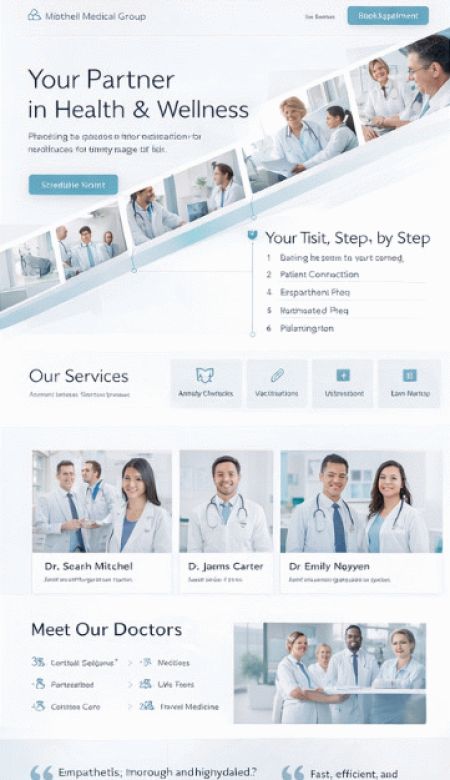
Present your practice professionally: specialties, services, team, locations, office hours, and contact methods. Include online appointments, forms for new patients, and clear information about procedures. Optionally with a news section, multilingual support, protected patient areas, and document pages (e.g., information sheets, instructions, downloads).
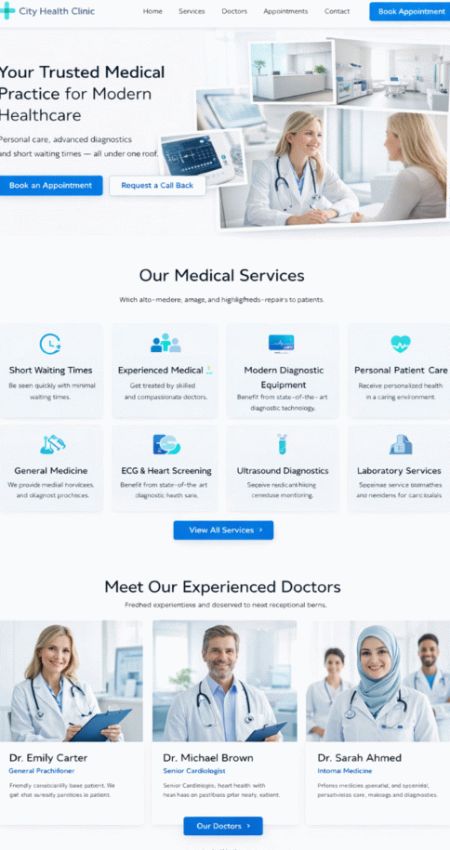
CMS features for doctors & practices
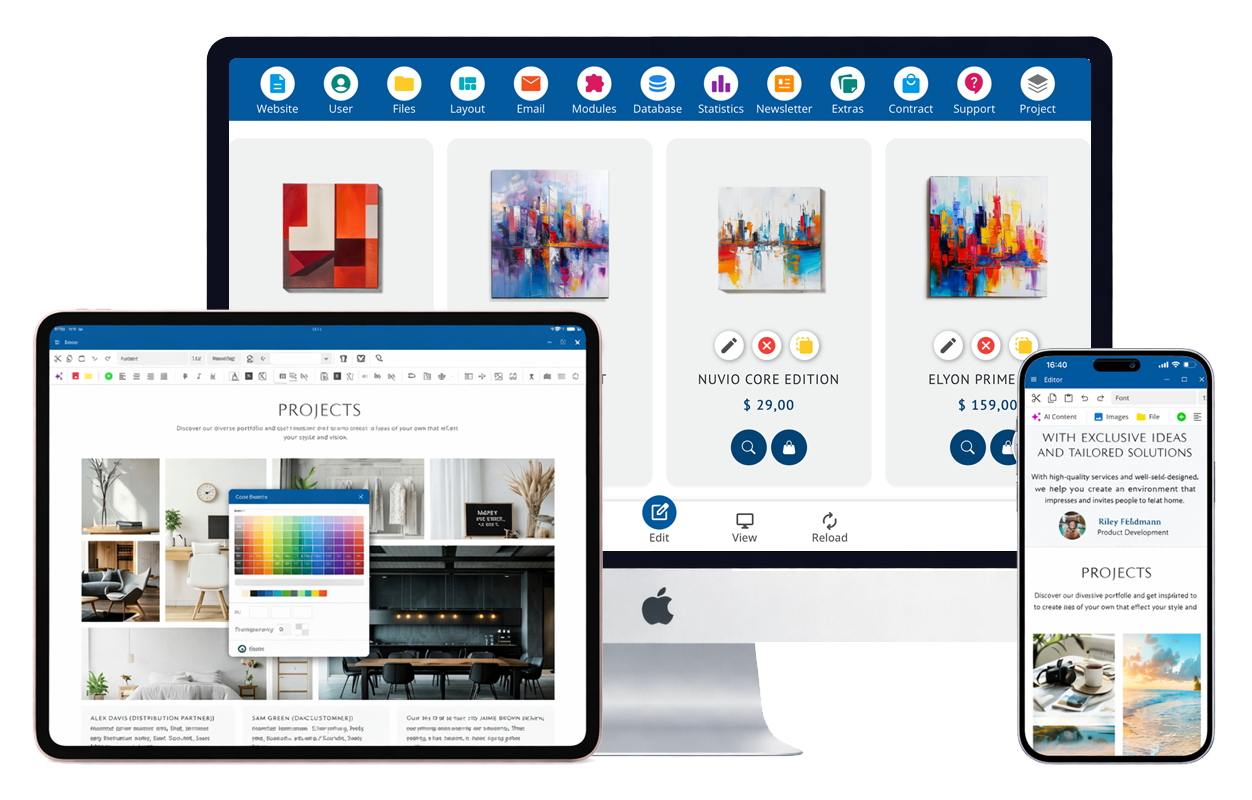
These features form the foundation for your digital practice presence: appointment management, patient guidance, communication, and documents. You can start directly and expand later.
Appointment rules, time slots & waiting list
Manage appointments by service, provider, and duration. Optionally with a waiting list, blocked times, buffers, and automatic confirmations or approvals by the team.
Digital waiting room & calling
Check-in via link or QR code, status display, calling by the team, and clear indications. This reduces inquiries and improves patient guidance.
Video consultation via stream
Digital consultation with clear control: start, waiting room, joining, end. Optionally with document upload, forms in advance, and conversation history.
Online forms & medical history
Digital forms for new patients, medical history, consents, and notes. Data is structured and sent to the practice team – less paper, less typing effort.
Documents, findings & downloads
Provide documents in a structured manner: information sheets, explanations, preparations, downloads. Optionally with protected areas and access by patient group.
Automatic appointment reminders
Reminders via email, optionally also via push: confirmation, notice before the appointment, cancellation link, and follow-up notes. Fewer no-shows, less phone effort.
AI chat assistant: questions & appointments
The AI chat answers common patient questions (office hours, preparation, services, procedures) and can initiate appointments or suggest suitable options. Complex cases are referred to your team.
Push notifications via the practice app
Patients receive push updates: appointment confirmation, reminder, waiting room call, aftercare instructions. This leads to fewer inquiries and better planning.
Roles, permissions & data protection
Clean roles for the team, doctors, and patient areas. Access to content based on level, logging of important actions, and clear structures for sensitive data.
Evaluation: appointments, no-shows, inquiries
Recognize patterns: popular services, peak times, utilization per provider, cancellation rate, and waiting lists. This helps with planning, team deployment, and office hours.
Voice recording for notes & hints
Dictate short notes or standard texts verbally. The system converts audio to text and can structure content neatly (optionally with AI optimization).
Patient Information & Campaign Evaluation
Inform about campaigns, vaccination or prevention weeks, holiday times, and new services. You can see which content is clicked and what truly generates inquiries.
Findability: Local SEO & AI Search
Page structure, service pages, and FAQs are technically well organized so that search engines and AI searches can understand and present your practice accurately.
Secure Patient Communication
Chat for general inquiries, structured contact forms, and clear forwarding to your team. This reduces phone ping-pong and helps you keep track.
Mobile Use: Portal & App
The portal works smoothly on smartphones and desktops. Optionally, you can receive a practice app for direct appointment notifications, reminders, and waiting room updates.
AI Assistance & Multilingualism
Quick clear answers – better service for patients
bluetronix can be specifically enhanced with AI features: The chat assistant answers recurring questions, assists with appointment requests, and supports your team with pre-qualification. Additionally, the portal can be offered in multiple languages – without double maintenance.
AI Chat Assistant
Answers about services, preparation, consultation hours, and procedures. Capture and initiate appointment requests. Hand over to your team as soon as personal clarification is needed.
Multilingual Practice Content
Navigation, FAQs, notes, and service pages can be maintained in multiple languages. This is particularly helpful for international patients.
Your Practice App – Appointments, Waiting Room, Reminders
We create a custom app under your practice name (iOS & Android). Patients stay logged in and manage appointments, receive reminders, and get waiting room updates via push notifications.
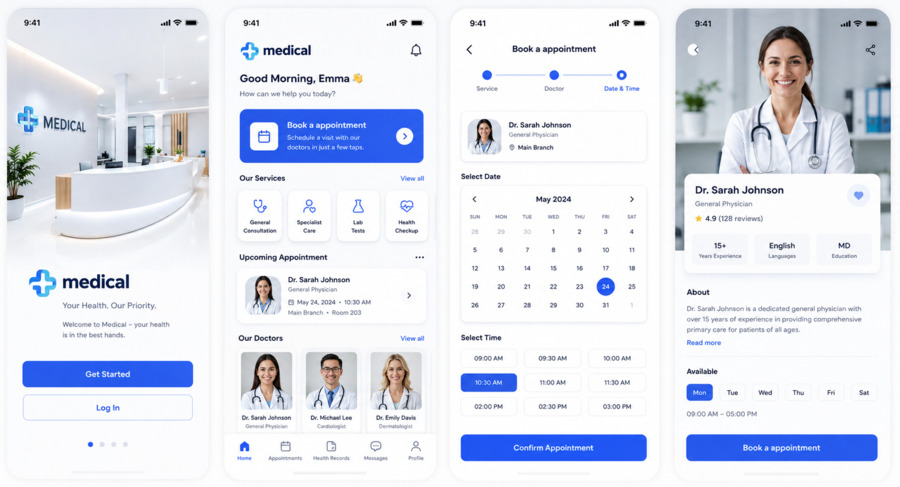
Optional: Push-Erinnerungen, digitale Formulare, Chat, Dokumente und Video-Consultations.
Patient Portal & Accounts
Patients receive clear access for appointments, notes, documents, and digital processes.
Profile & Data
Maintain contact details, view notes, and manage consents and forms (optional).
Appointments & Reminders
Book, reschedule, or cancel appointments. Reminders via email and push notifications (optional).
Documents & Notes
Preparation, fact sheets, downloads, and practical tips – clearly structured.
Video & Chat
Participation in video consultations and secure communication (depending on approval).
Practice organization that lightens your team's load
Less phone calls, less paperwork, fewer follow-up questions: appointment logic, digital waiting room, reminders, documents, and clear workflows – suitable for your practice routine.
Appointment

Waiting Room

Aftercare

Practice Processes
Appointment, waiting room, consultation, follow-up – seamlessly connected
The system supports your workflow without media disruptions: the appointment comes in digitally, the patient is guided, the consultation proceeds clearly, followed by notes, documents, or further steps. This saves you time and increases service quality.
Appointment Acceptance & Confirmation
Online appointments with rules, confirmation, rescheduling, and optional waiting list.
- Time slots by service and provider
- Cancellation link and rescheduling
- Waiting list for faster allocation
- Advance notices by appointment type
Check-in via QR code / link
Easy check-in and status updates for the digital waiting room.
- Check-in without front desk congestion
- Status: waiting / called / finished
- Call by the practice team
- Visible notes and preparation
Stream Consultation
Video consultations for suitable cases – planned and clearly guided.
- Start/End via Practice Console
- Documents in advance (optional)
- Consent and Information
- Follow-up History (optional)
Follow-up & Reminders
Reminders, information, and next steps – automated and traceable.
- Appointment reminders via email
- Push updates through the app (optional)
- Post-care information per service
- FAQs and chat reduce phone calls
Patient journey: from appointment to aftercare
bluetronix connects website, appointment logic, waiting room, video consultation, chat, and app into a clear process. Together we reduce friction points that currently cost time.
Book appointment
Online appointments with rules, confirmation, rescheduling, and waitlist (optional).
Check in digitally
Check-in via link/QR code, visible status, clear patient guidance.
Manage waiting room
Calling by team, information, updates, and better planning.
Conduct consultation
On-site or via stream: clear process, optional documents in advance.
Information & Documents
Information sheets, preparation, downloads, optional protected areas.
Aftercare & Reminders
Reminders, information and next steps via email/push (optional).
Service, Communication & Discoverability
For practices, it's not just about treatment, but also communication before and after: clear information, quick responses, organized appointments, and good findability.
Chat & AI Support
The chat collects inquiries, answers FAQs, and assists with appointment requests. Your team takes over as soon as a personal case arises.
Local SEO & Performance Pages
Structured content for search engines: services, FAQs, team, office hours, and location data. This leads to relevant inquiries instead of wasted efforts.
Domain & Email
Set up a desired domain or transfer an existing domain. Professional email addresses for a trustworthy external appearance.
Statistics & Optimization
You can see which services are in demand, which pages are used, and where patients drop off. This provides clear starting points for improvements.
Up to 90% government funding
For digitization, automation, and modern web portals – we check eligibility for funding.
Non-binding consultationAutomation of your web portal standard solutions are often not enough
bluetronix works cost-effectively with proven core modules that we specifically adapt to your requirements – instead of developing everything from scratch or forcing you into rigid standards. This way, you get a solution that fits your processes exactly, remains scalable, and makes economic sense.