

We create your coaching portal
A platform for coaches, studios, and trainers: live streams, video courses, appointment booking, payments, client area, and AI chat. Designed for individual coaching, group programs, and recurring memberships.
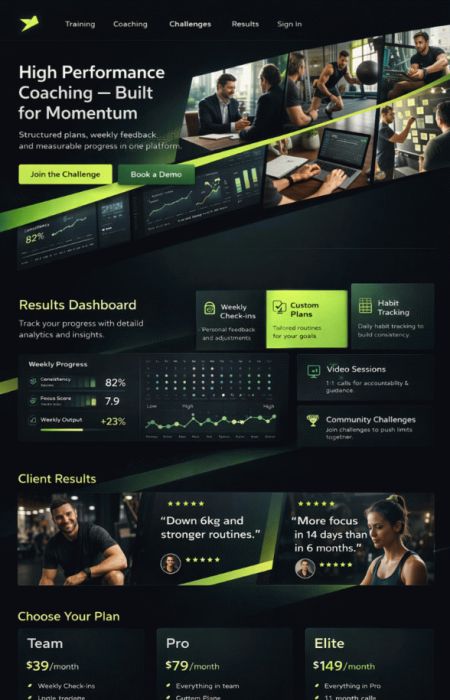
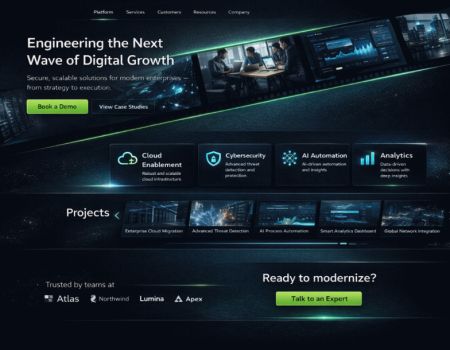
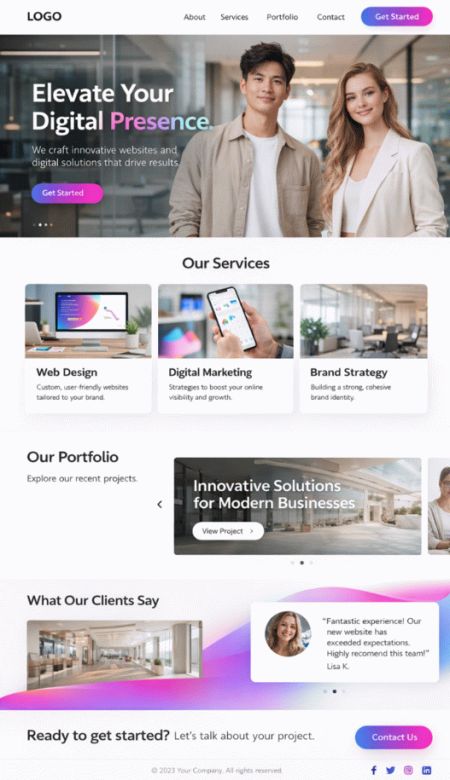
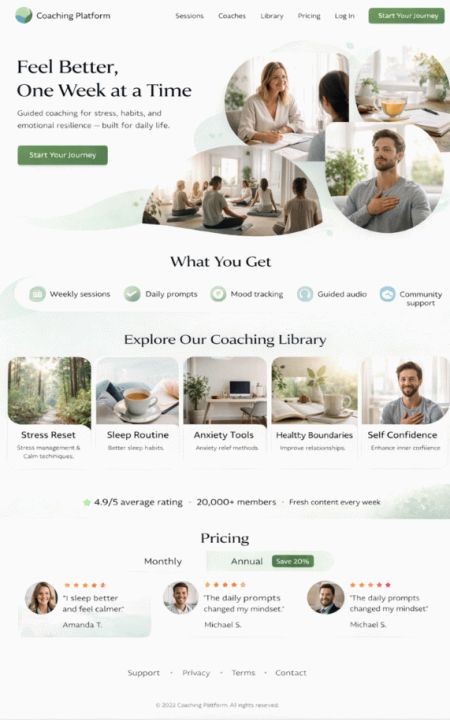
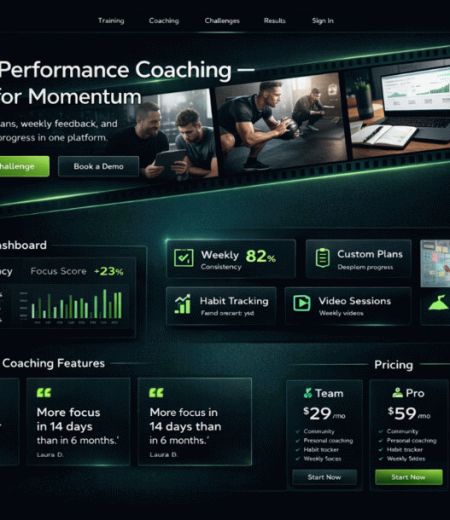
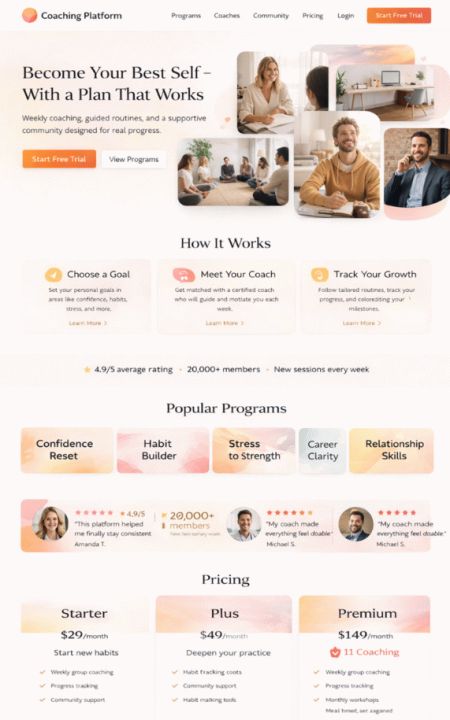
Portal software
From initial contact to course access: everything on one platform.
Coaching thrives on trust, structure, and good guidance. Prospective clients want to quickly understand what you offer. Customers want immediate access to content, appointments, and recordings. And you want less paperwork, less email chaos, and more time for your work. With bluetronix, you implement your own coaching portal: landing pages and funnels, appointment booking, live streams, protected course areas, video portal, payments, and an AI chat assistant for common inquiries. Suitable for corporate coaching, fitness, yoga, meditation, and many other coaching styles.
Live formats
public, private, members group
Start open sessions for reach, work with closed groups for paid programs, or offer 1:1 coaching with appointment booking. Everything can be flexibly combined.
Public stream

Ideal for reach: open streams with chat, Q&A, and clear call-to-action. Perfect for webinars, intro workshops, meditations, or free trainings.
Paid groups

Live coaching for members: Course access only after booking. Content, recordings, PDFs, and tasks are available in the customer area.
Personal coaching

Booking pages, time slots, confirmation emails, and payment in advance. If the AI chat is not sufficient, the customer lands directly in your appointment funnel.
Live coaching
Video & Community neatly connected
You stream live, and your clients see everything in one place: video, chat, agenda, handouts, tasks, and links. After the session, the recording remains available in the course area – only for the appropriate group. For team coaches, roles and permissions can be managed: Admin, Coach, and Assistance manage courses, appointments, content, and participants. Customers only see what is available to them.

Live stream
Scene change – Camera, Slides, Whiteboard

For live coaching, we implement a setup that switches between several views: Coach camera, presentation, whiteboard, or demo. Participants see video and information simultaneously – and stay focused.
- Live video + Chat + Q&A
- Scene change: Camera / Slides / Whiteboard
- Breakout groups possible (depending on setup)
- Recording automatically placed in the course area
Coaching website
Offer, course overview, appointments – easy to manage
With bluetronix's portal software, you present yourself professionally: Profile, method, focus areas, references, testimonials, and clear offer pages. In addition, course pages with structure: modules, content, appointments, prices, and booking. Optionally with news, archive, newsletter, protected areas, multilingual support, and an AI assistance that answers common questions directly.
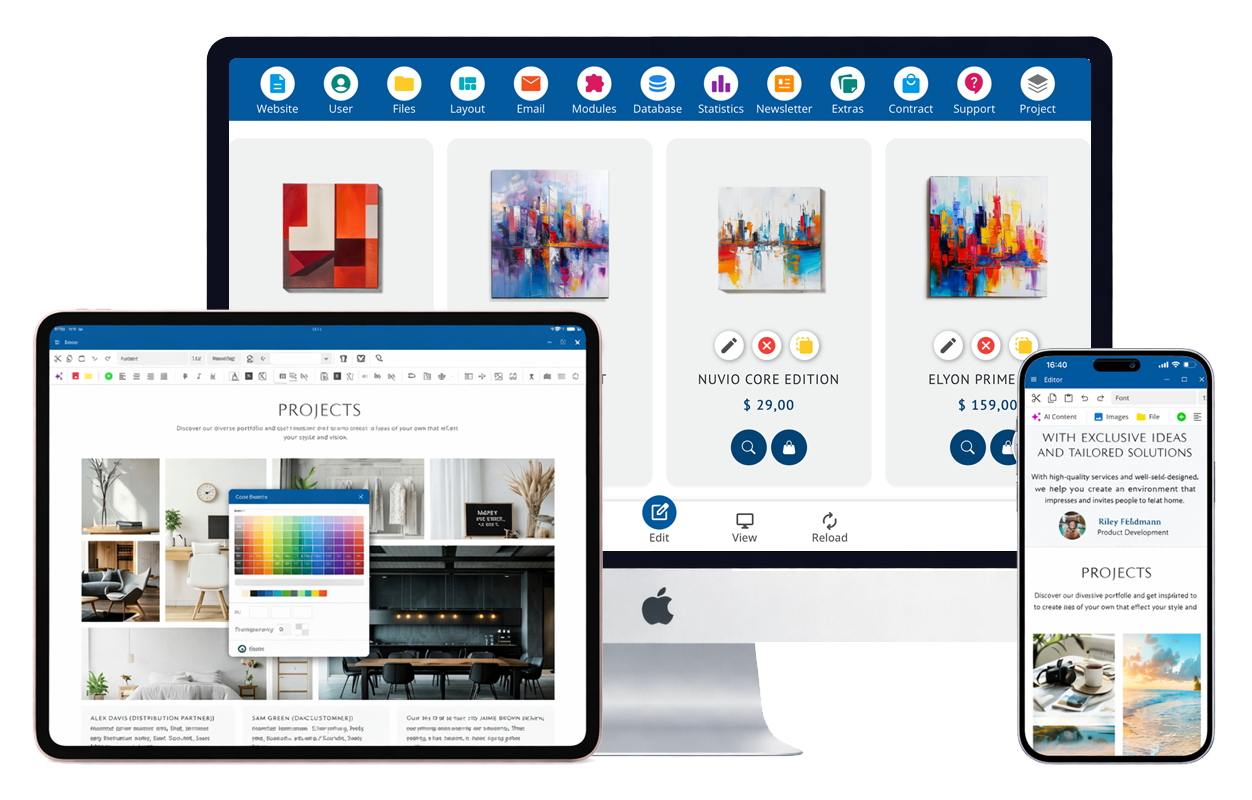
Portal features for coaches
These functions are the basis for your professional coaching appearance: Content, booking, access, payments, communication, and scaling. You can start small and expand later – without rebuilding.
Video portal for courses & modules
Store video content per course: modules, chapters, bonus material. Access only for paying customers or unlocked groups – with clear structure instead of video chaos.
More roles: Admin, Coach, Team
Multi-user operation for growing providers: Admin controls rights, coaches manage content, assistance manages appointments and participants. Customers only see released content.
Appointment booking & funnel pages
Create landing pages and funnels with clear booking: Time slots, confirmation, payment, automatic emails. If AI doesn't help, the chat leads directly to the appropriate booking process.
Payment system integration
Payments for courses, packages, and memberships: one-time or recurring. After payment, course access is automatically activated – without manual follow-up.
Materials: PDFs, tasks, downloads
Provide materials per course: PDFs, worksheets, audios, task lists. Customers find everything collected, instead of searching for files via email.
Live streams for groups & customer areas
Start live sessions publicly or within protected groups. Recordings can then be directly assigned to the course – without changing platforms.
Automated emails for customers
Confirmations, access details, reminders, course updates, payment status. Your communication appears reliable and significantly reduces inquiries.
Push notifications (app)
Customers receive push notifications for new modules, schedule changes, live starts, or important news. You remain present without having to remind constantly.
Course progress & learning paths
Optional: check off chapters, make progress visible, learning paths and bonus unlocks. Good for programs running over several weeks.
Protected areas & access rights
Customers only see activated content. Courses can be controlled by package, group, or time period – clearly separated and privacy-friendly.
Transcripts & summaries (optional)
Sessions can optionally be documented: notes, transcripts, or summaries per course. Practical for learning material and review – depending on the desired setup.
Statistics for courses & funnels
Identify which pages convert, which courses are running, and where customers drop off. Perfect for optimizing offers and growth, without guesswork.
SEO & GEO – visible in search and AI
Your offer pages, course pages, news, and archives are technically well-structured. This makes it significantly easier to find you through classic search and modern AI searches.
Chat for prospects & customers
Direct contact on the website: questions about courses, dates, technology, payments. The chat can filter and hand over to you or your team if needed.
AI chat assistant for course questions
AI answers inquiries about your content – based on your knowledge base (course materials, FAQs, rules, procedures). If things get complex, the bot directs to booking appointments or your support.
AI features & multilingualism
Faster better content – more value for customers
bluetronix can be specifically enhanced with AI: answers to frequently asked questions, better texts for course pages, clear structure for content, as well as automatic help texts. Additionally, your portal can be offered in multiple languages – suitable for international target groups.
AI text optimization
Improve phrasing, organize content, check spelling. Practical for offer pages, course modules, emails, and help texts.
Multilingual possible
Navigation, course pages, news, and system texts can be offered in multiple languages – without duplicate maintenance if you plan properly.
Your own coaching app – always have the course with you
We create an app under your name (iOS & Android). Customers stay logged in and open their course directly via the app – without needing to log in again. Videos, tasks, downloads, and live appointments are readily available on mobile.
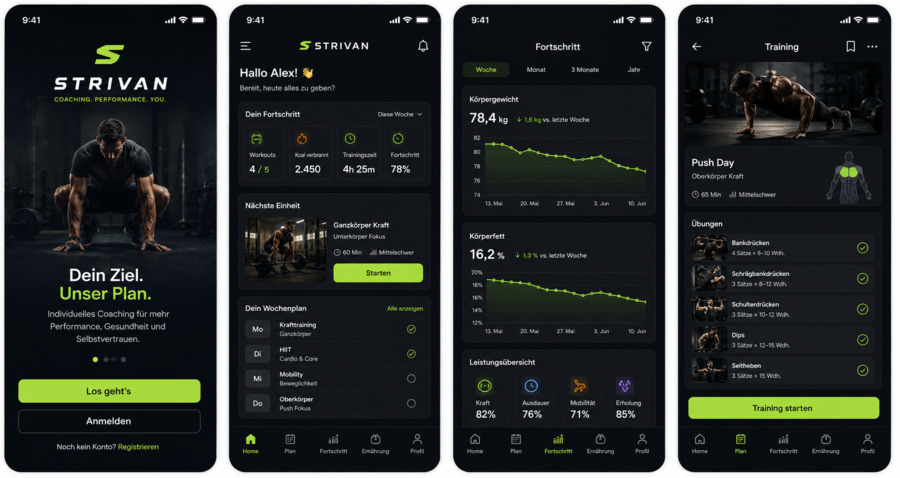
Optional: Push bei Live-Start, neue Module, Erinnerungen, News, Offline-Downloads je nach Konzept.
Customer portal & course access
Your customers receive their own login area with courses, appointments, payments, and support – clearly structured and easy to use.
Profile & Data
Contact details, billing information, data protection consents, and secure management – suitable for digital offerings.
Courses & content
All booked courses at a glance: videos, tasks, PDFs, recordings, links, and appointments – all gathered together.
Bookings & payments
Invoices, payment status, subscriptions, renewals, and clear instructions – without support queues.
Support & AI assistance
Chat for inquiries, plus AI assistant for course questions. If a topic is personal, it goes directly to appointment booking or your team.
Back-office for coach portals
Invoices, payments, reminders, bookings, and participant management: You gain order in your processes – without extra tools and without copy-pasting between systems.
Bookings

Invoicing

Membership

Back office
Invoices, payments, reminders, subscriptions – all tailored for coaching
With the bluetronix back-office, you simplify the business side of your coaching business: invoices are generated cleanly, payments are assigned, reminders run systematically, and you keep track of bookings and participant status. You save time and become more reliable towards customers.
Invoices & Quotes
Automatically or manually: invoices, quotes, credit notes – with layout according to your specifications.
- automatic and manual invoice creation
- custom invoice layout
- Payment links or QR codes (depending on setup)
- Offers for packages or programs
- Single and collective invoices
Bookings & Participant Status
You can see who has booked, who has paid, and who gets access. Perfect for group programs and recurring offers.
- Participant lists by course
- Status: active / paused / completed
- Automatic access after payment
- Timed course access available
- Team manages courses together
Customer Management
Central customer data, bookings, and communication – clear, traceable, and team-capable.
- Customer profiles and history
- Tags/notes per customer (optional)
- Customer accounts and booking overview
- Exports for tax consulting (depending on the interface)
- GDPR-compliant structure according to concept
Payments, subscriptions & dunning
Payment reconciliation, automatic reminders, and clean processes for memberships – to keep cash flow stable.
- Assign incoming payments (depending on the connection)
- Subscription periods and renewals
- Dunning with stages possible
- Payment methods per offer
- Block access based on payment status (optional)
Exports & Interfaces
For accounting and analysis: clean exports and connections when you need them.
- Export of invoices and bookings
- Participant lists by course
- Evaluations for programs
- Interfaces as needed
- CSV/Excel Exports
Coupons, Discounts, Bundles (optional)
For promotions and launches: coupon codes, bundle offers, tiered pricing, or early-bird options – depending on the desired concept.
- Coupon Codes and Discount Promotions
- Bundles of multiple courses
- time-limited promotions
- Upsell after purchase (optional)
- Tracking per campaign (optional)
Contracts & Documents
Terms and conditions, participation requirements, withdrawal, consents, coaching contracts: manage documents neatly and link them to offers as needed.
- Attach documents per offer
- Versioning as needed
- Download or confirmation (optional)
- Filing per customer (optional)
Support: Chat & AI
Customer assistance for technology, content, and appointments: chat plus AI knowledge base. Handover to you when a topic becomes personal.
- Chat for quick questions
- AI responses from your knowledge base
- Forwarding to coach or team
- Avoid ticket-feeling: everything direct
from initial contact to renewal
bluetronix connects website, funnel, appointment booking, course portal, app, and back-office into a cohesive system. This creates a clear process that guides customers and relieves you.
Landing Page & Offer
Clear offer page, references, benefits, price, and call-to-action. Optional with lead magnet and email follow-up.
AI chat or appointment funnel
AI answers standard questions. If not, the bot leads to appointment booking – tailored to the offering.
Booking & Payment
Payment is one-time or via subscription. After that, automatic activation of the course area and dispatch of all information.
Live Session & Recording
Live coaching via stream, followed by recordings, PDFs, and tasks available directly in the course.
Back Office & Dunning
Invoices, payment status, reminders, and dunning are organized. Less manual follow-up.
Extension & Upsell
Extend membership, offer follow-up programs, unlock bonus courses – smoothly managed, without makeshift solutions.
Service, Communication & Discoverability
For coaching, it’s not just about the course – but also support, clarity, and good marketing. Here are the building blocks that make you visible and retain customers.
Chat & AI Assistance
Questions about courses, appointments, technology, or content: Chat plus AI knowledge base. Hand over to you when personal clarification is needed.
SEO & AI Search
Structured course pages, news, and archive: so you can be found better and build trust before anyone even asks.
Domain & Email
Professional external appearance with your own domain and appropriate email addresses. Optional migration of existing structure.
Statistics & Campaigns
You see what works: pages, funnels, bookings, course usage. Optionally with campaign tracking when you run ads.
Up to 90% government funding
For digitization, automation, and modern web portals – we check eligibility for funding.
Non-binding consultationAutomation of your web portal standard solutions are often not enough
bluetronix works cost-effectively with proven core modules that we specifically adapt to your requirements – instead of developing everything from scratch or forcing you into rigid standards. This way, you get a solution that fits your processes exactly, remains scalable, and makes economic sense.