

MySQL UNIQUE – Setting Columns as Unique
Learn how to set a column to UNIQUE with the MySQL script template, prevent duplicate values, and identify a UNIQUE column directly in the table view.
Objective of the Tutorial
You will learn how to set a database column in the bluetronix CMS to UNIQUE. This prevents the same value from being stored multiple times within that column.
This is useful, for example, when a table should only contain unique email addresses, phone numbers, or customer numbers.
Starting situation without UNIQUE
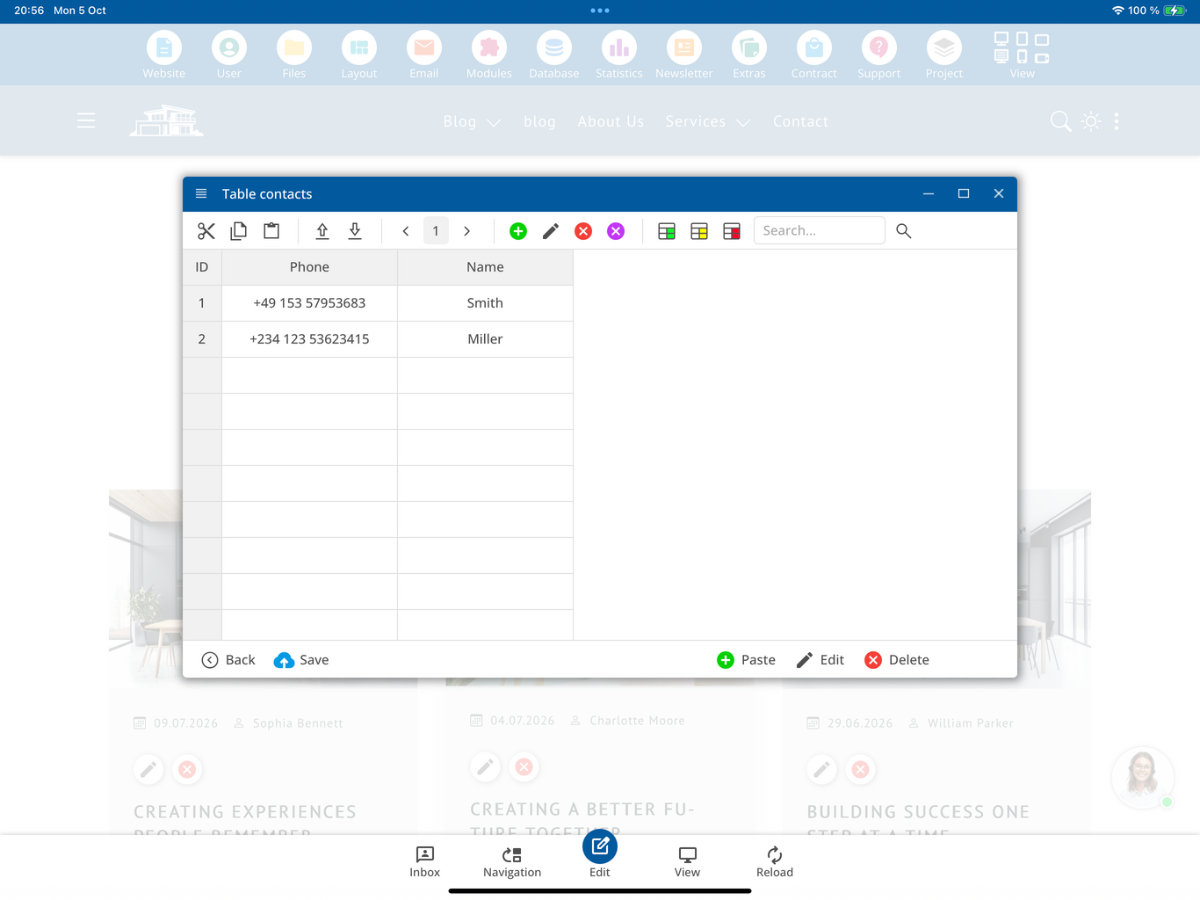
In our example, we use the table Contacts with the columns ID, Phone, and Name. The phone number +49 263 43628376 is already present in the record for Smith.
As long as the Phone column is not set as UNIQUE, the same phone number can be entered again.
After saving, the additional record is present. The phone number appears multiple times in the Phone column.
Set column to UNIQUE
Open MySQL - Script and select the template Set Column as Unique (UNIQUE). Next, adjust the command to fit your table and the desired column.
For the table Contacts and the Phone column, the following command is used in the example:
ALTER TABLE Contacts ADD CONSTRAINT unique_user UNIQUE (Phone);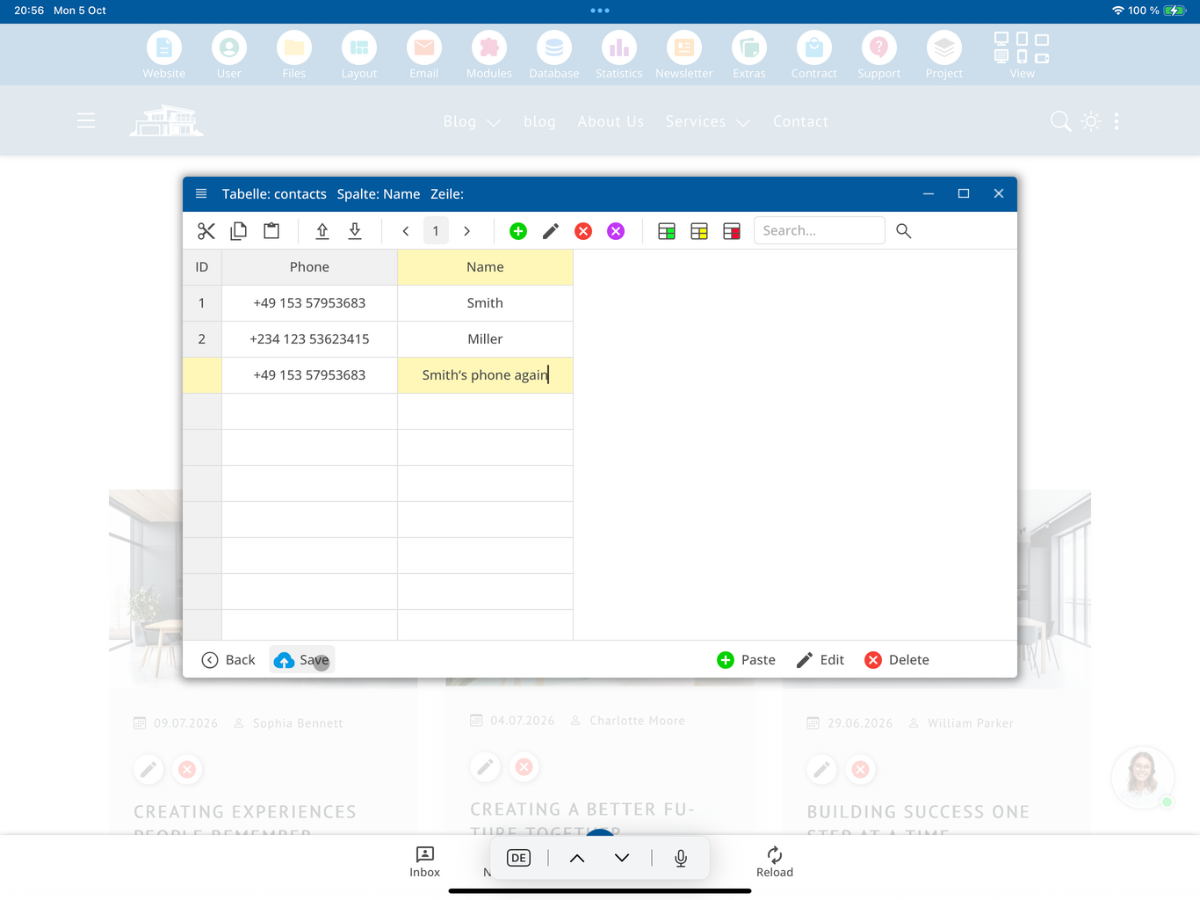
After execution, the CMS confirms under MySql Message that the command was executed successfully. The Phone column is now set as UNIQUE.
Test duplicate value again
Now we try to save the already existing phone number +49 263 43628376 as a new record.
Since the column is now UNIQUE, the same value may not be saved again. Therefore, when saving, the duplicate entry is rejected and an error occurs.
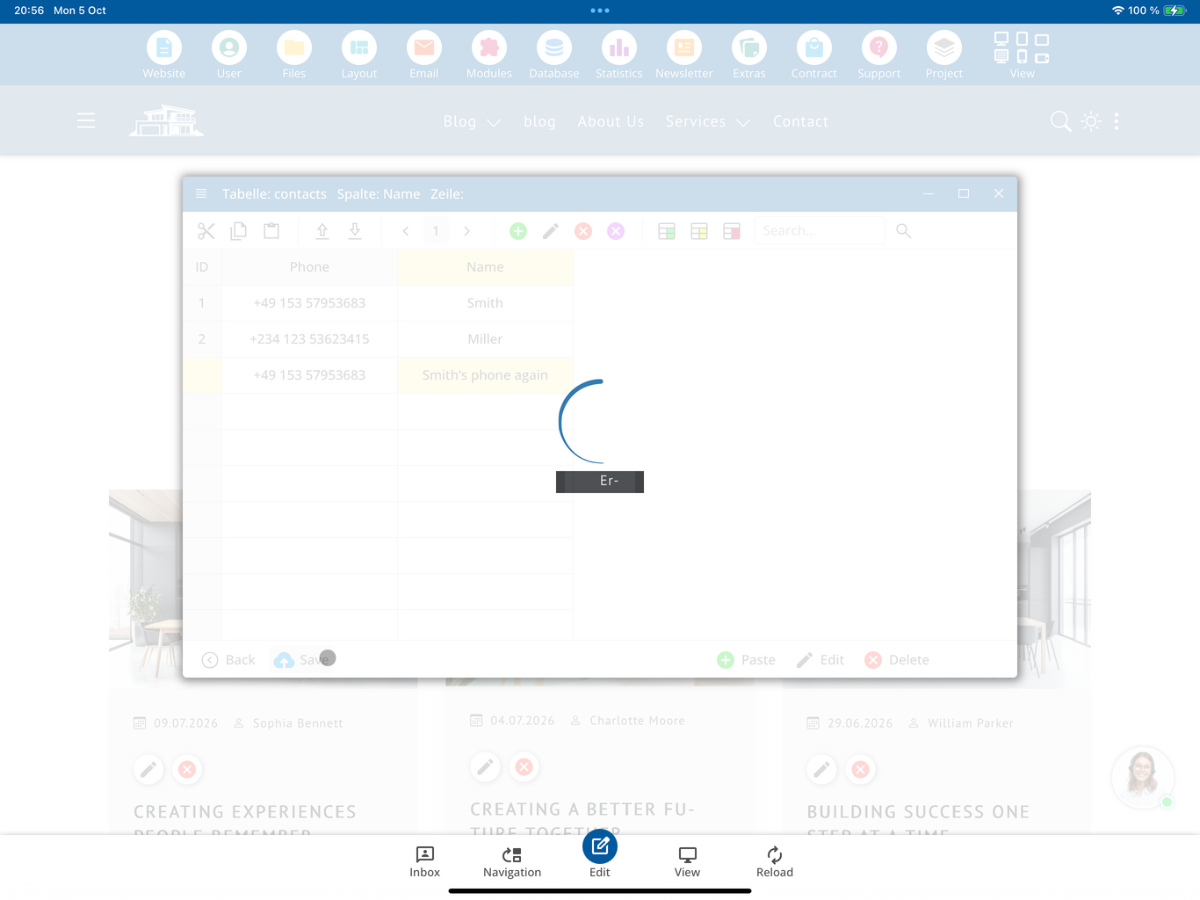
Important: UNIQUE prevents duplicate values directly at the database level. Thus, a value that already exists in the uniquely set column cannot be saved again.
Recognize UNIQUE column in the CMS
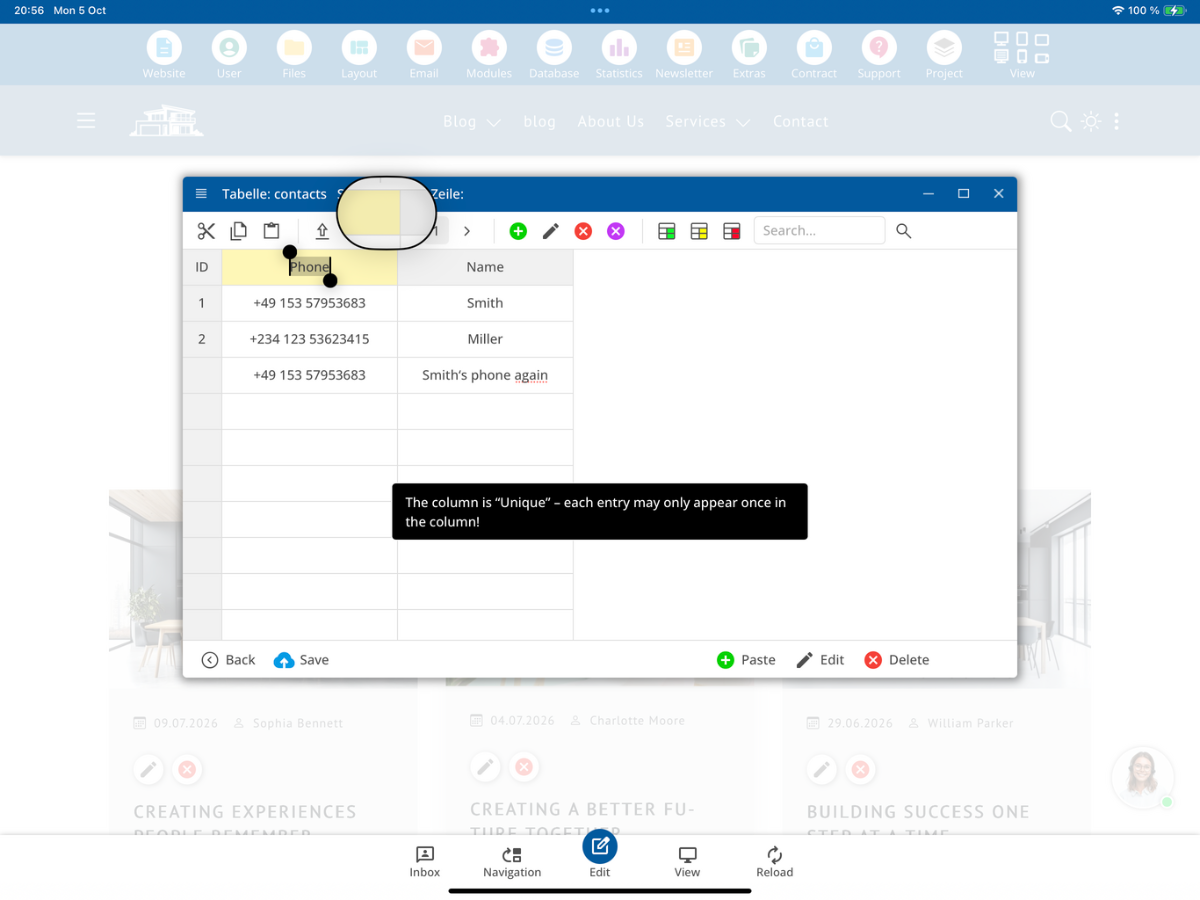
In the table view, you can hover over the respective column with the mouse. A UNIQUE column will show a tooltip indicating that each entry may only appear once in that column.
Typical use cases
UNIQUE is suitable whenever certain information should not appear multiple times in the same column. Typical examples are:
- E-Mail-Adressen bei einem Newsletter
- Telefon- oder Handynummern
- Kundennummern
This allows you to prevent the same unique value from being saved multiple times at the database level.
Summary
With the template Set Table Column to Unique (UNIQUE), you can define a column such that each value can only appear once. In the example, the Phone column of the Contacts table is set to UNIQUE. Afterwards, a new entry with the same phone number will be rejected upon saving. In the table view, the CMS additionally shows a corresponding UNIQUE notice for the relevant column.
FAQ
what customers often ask us
What does UNIQUE mean for a database column?
UNIQUE means that the same value cannot be stored multiple times within this column.
What can I use UNIQUE for?
UNIQUE is suitable for values that should only occur once, such as email addresses, phone numbers, or customer numbers.
Where can I set a column to UNIQUE in the bluetronix CMS?
Open MySQL - Script and use the template Set Table Column to Unique (UNIQUE) there.
Which MySQL command is used in the example?
The tutorial uses ALTER TABLE Contacts ADD CONSTRAINT unique_user UNIQUE (Phone);.
Which table is used in the example?
The example uses the Contacts table with the columns ID, Phone, and Name.
Which column is set to UNIQUE in the example?
The Phone column is set to UNIQUE.
What happens without UNIQUE with a duplicate value?
Without UNIQUE, the same phone number can be stored again in the shown example.
What happens after setting UNIQUE with a duplicate value?
The duplicate value will be rejected upon saving, resulting in an error.
How can I identify a UNIQUE column in the CMS?
When you hover over the relevant column, the CMS shows a notice that each entry can only appear once in this column.
Can I use UNIQUE for newsletter email addresses?
Yes. This prevents the same email address from being stored multiple times in the corresponding column.
Can I use UNIQUE for phone numbers?
Yes. The tutorial shows this use case with the Phone column.
Can I use UNIQUE for customer numbers?
Yes. If each customer number should only appear once, UNIQUE is suitable for this.
Why is UNIQUE useful?
UNIQUE directly prevents duplicate unique values at the database level, helping to avoid duplicate entries in the relevant column.