

Add existing project to the app – it’s that easy
In this tutorial, you will learn how to add your existing project to the app in just a few minutes and log in conveniently with your credentials – easy, secure, and ready to go.
So fügst du ein bestehendes Projekt zur App hinzu
In diesem Tutorial lernst du, wie du dein bestehendes Projekt ganz einfach in der App einrichtest und dich mit deinen Zugangsdaten anmeldest.
Tap on Existing Project.
Unten wählst du deine gewünschte Sprache aus.
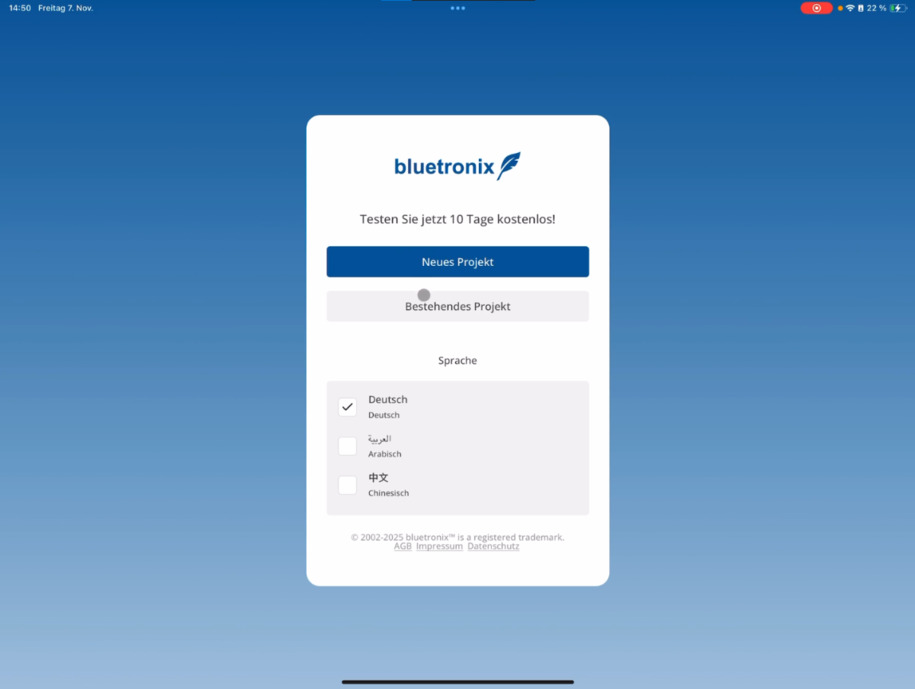
Gib anschließend die Domain deiner Zugangsdaten ein, die du per E-Mail erhalten hast.
You only need to enter the part before bxserver – that is, the abbreviation. The app automatically recognizes the full URL.
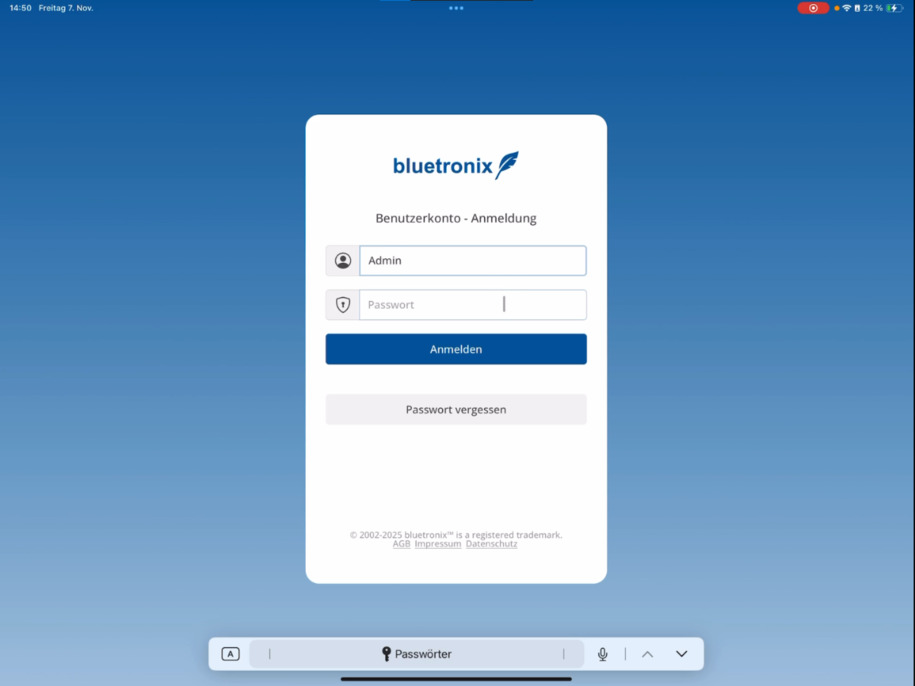
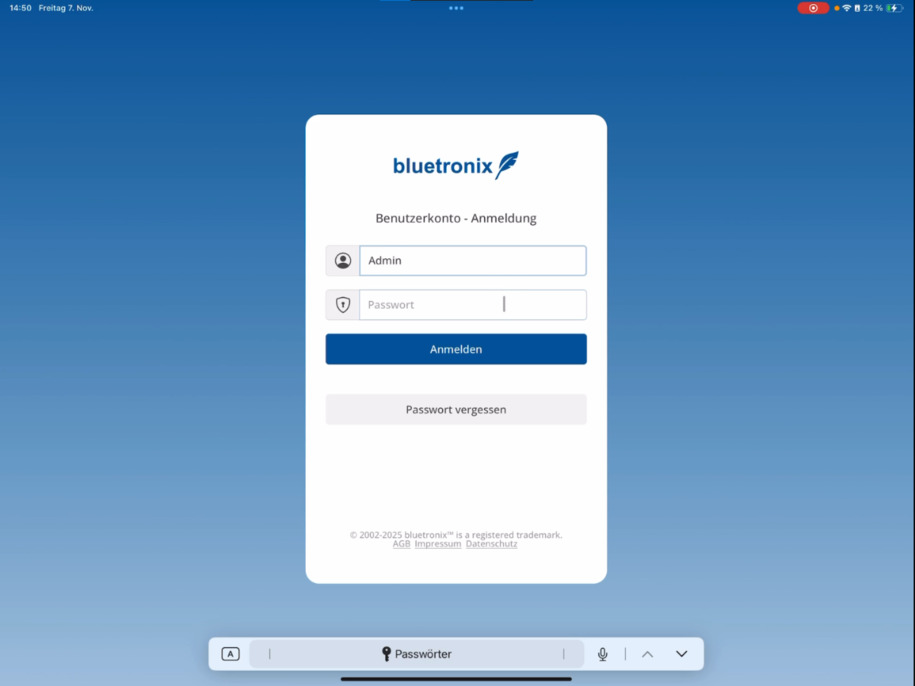
After that, log in with your username and password.
If you forgot your password, tap on Forgot Password at the bottom.
Nach der Anmeldung bist du wieder regulär per App eingeloggt und kannst dein Projekt wie gewohnt nutzen.
FAQ
what customers often ask us
Tap on Existing Project ⯈ select your language ⯈ enter the domain of your credentials ⯈ log in with your username and password. After that, you are logged into the app.
Wo finde ich die Domain für meine Zugangsdaten?
You will receive the domain via email. Just enter the part before bxserver – that is, the abbreviation. The app will automatically complete the rest of the URL.
Was mache ich, wenn ich mein Passwort vergessen habe?
Tap on Forgot Password at the bottom and follow the instructions to set a new password.
Kann ich die Sprache in der App ändern?
Ja, beim Hinzufügen deines Projekts kannst du unten deine bevorzugte Sprache auswählen.
Wie erkenne ich, dass die Anmeldung erfolgreich war?
Nach der Anmeldung bist du wieder regulär per App eingeloggt und kannst dein Projekt wie gewohnt nutzen.