

Safely delete email account in the Bluetronix CMS – here's how
In this tutorial, you will find a clear guide on how to select and delete an email account in the Bluetronix CMS, and what the deletion means for your devices and accesses.
Delete email account
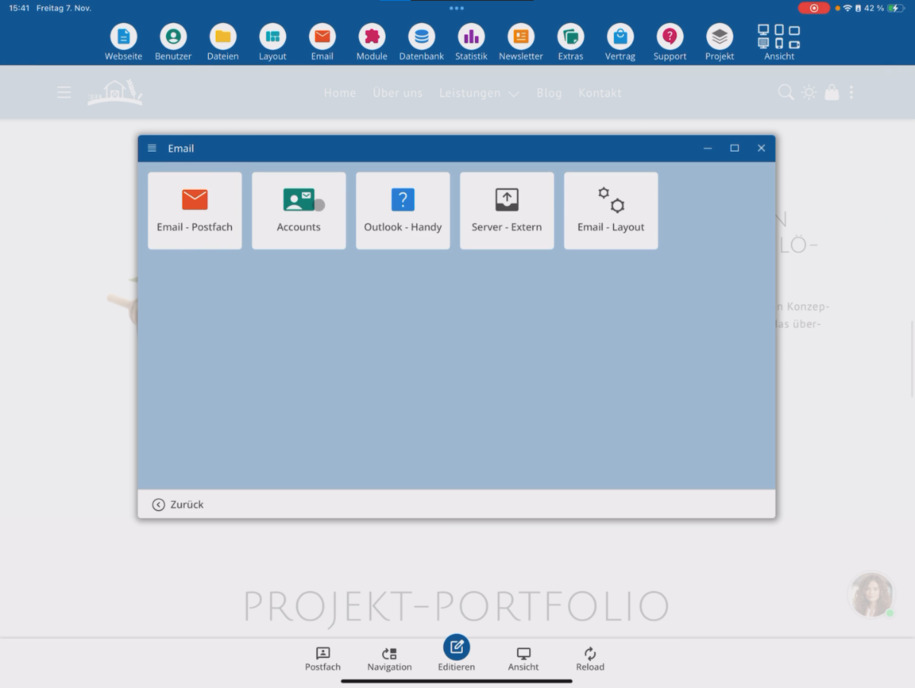
Open the section Email ⯈ Email Accounts. There you will find all currently set up email addresses and can select the account you wish to remove.
When you delete an account, it will be completely removed from the system. It will no longer be accessible on any device – neither on the Windows PC via Outlook nor on your phone via the mail app.
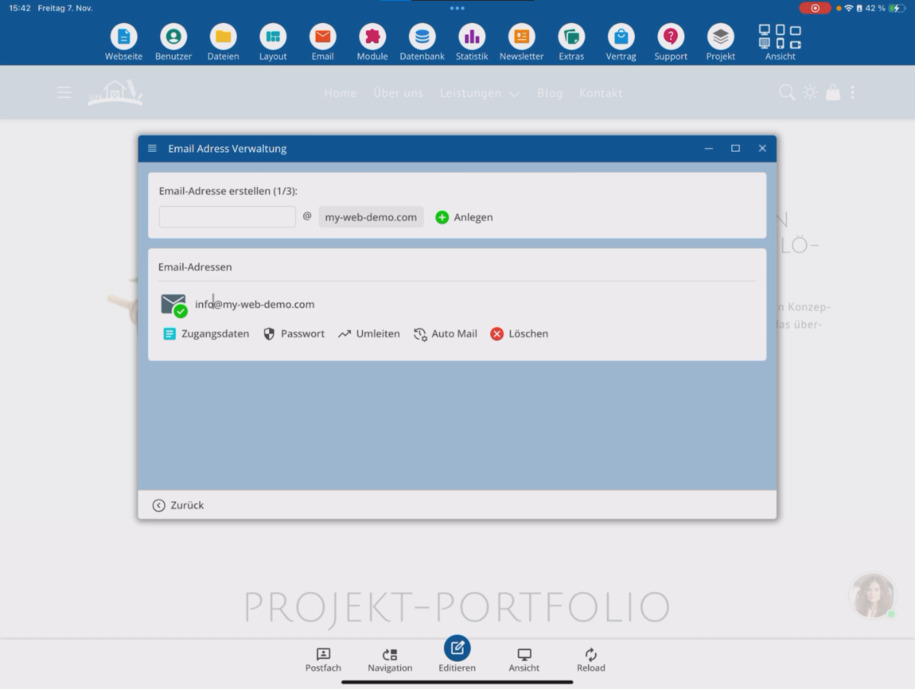
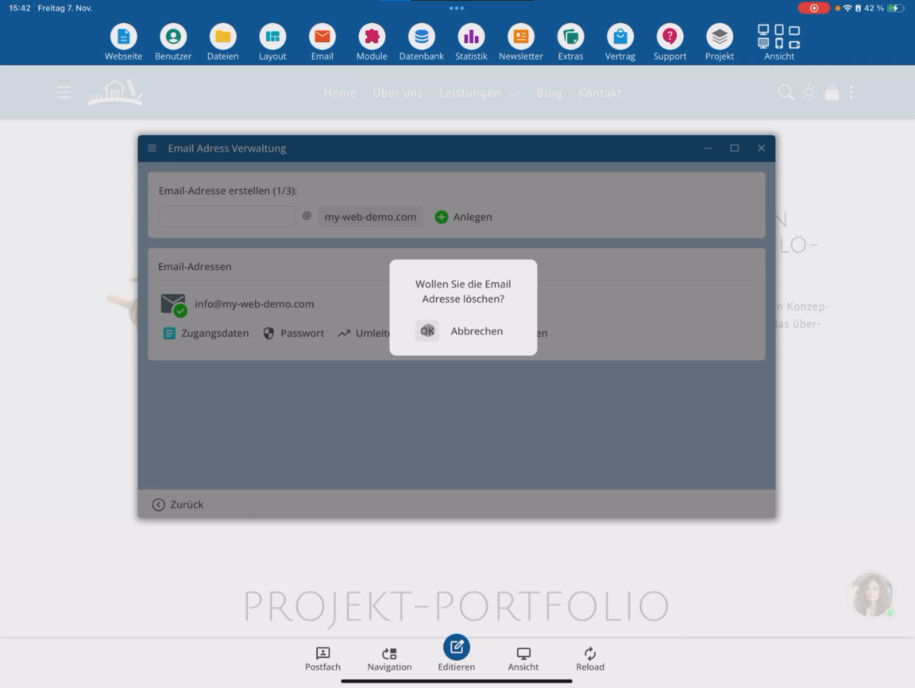
Click on Delete for the desired address and confirm the prompt. After that, the email account is permanently removed.
FAQ
what customers often ask us
Where can I find my email accounts?
Go to Email ⯈ Email Accounts. There you will see all currently set up email addresses.
How do I delete an email account?
Select the desired account and click on Delete. Then confirm the prompt to permanently remove the account.
What happens if I delete an email account?
The account will be completely removed from the system. After that, it will no longer be accessible on any device – neither on your Windows PC via Outlook nor on your phone via the Mail app.
Do I need to consider anything before deleting an email address?
Yes, check beforehand if you have backed up important messages or data. After deletion, all content is irretrievably removed.