

Create and manage your own email address in the Bluetronix CMS
In this tutorial, you will learn how to create your own email address, what steps are necessary beforehand, and where you can find all important access data and settings.
E-Mail-Adresse erstellen und verwalten
Under Email Account, you will find the central email management for your project. In order to create your own email address, a domain must be registered beforehand.
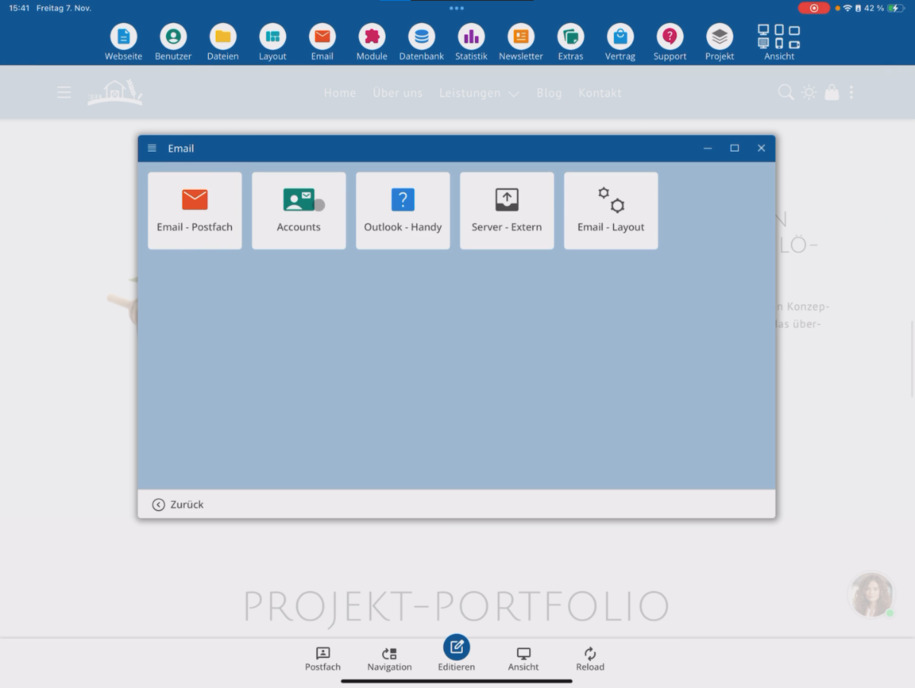
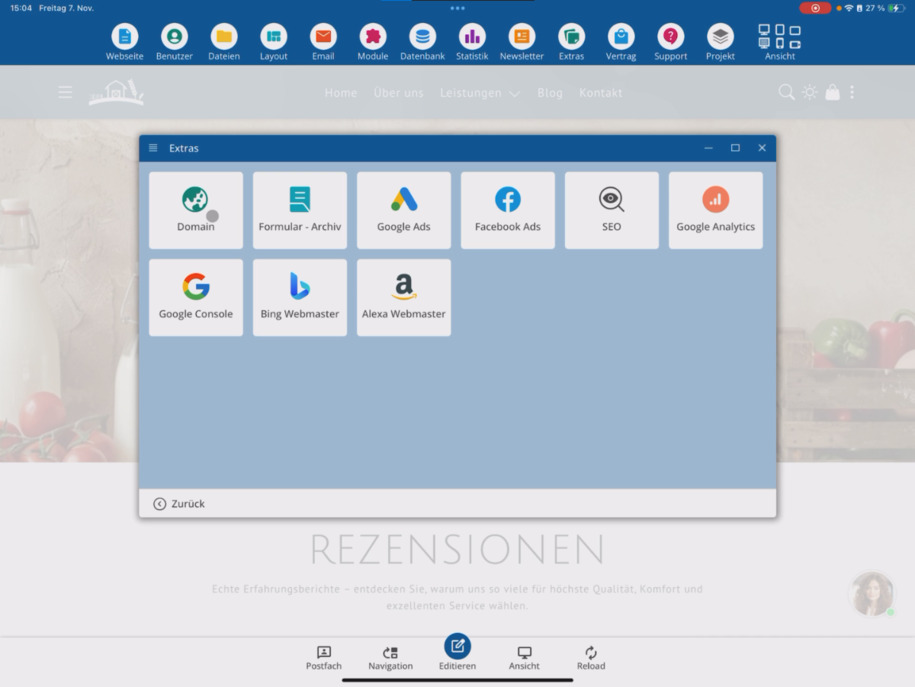
Wenn Du noch keine Domain hast, gehe zu Extras ⯈ Domain und registriere dort eine passende Domain.
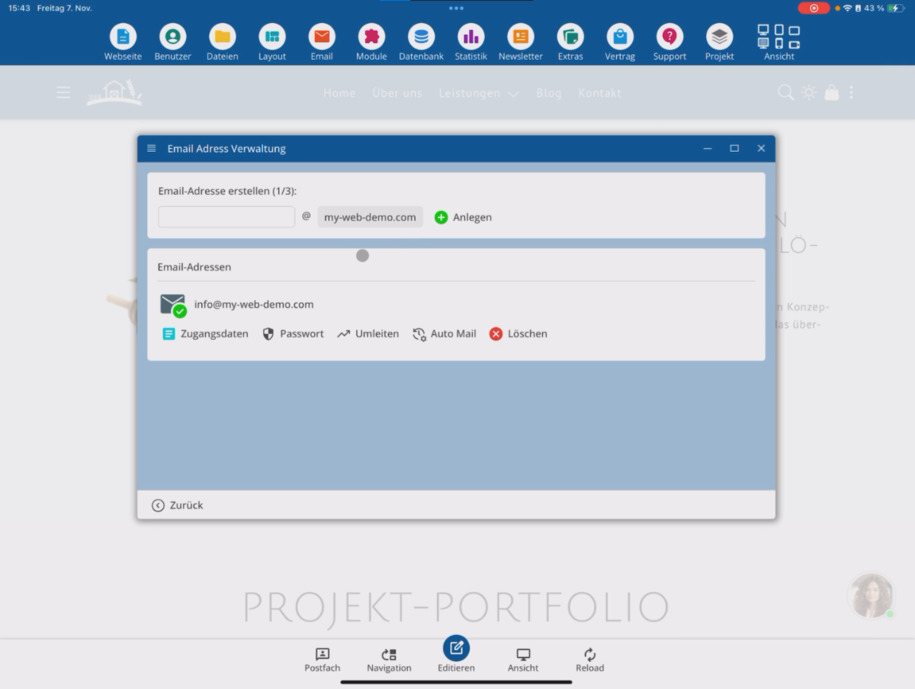
Then enter the desired email prefix, for example info. If you own multiple domains, select the appropriate one here.
Then tap Create. After a short time, your new email address will be automatically set up.
In the overview, you can also retrieve your access data – for example, to set up the address in Outlook or on other devices.
Außerdem kannst Du hier jederzeit:
– change the password,
– set up a forwarding,
– or activate an automatic response (autoresponder).
FAQ
what customers often ask us
Go to Email Account, enter the desired email prefix (e.g. info), select the appropriate domain, and tap Create. After a short time, the address will be ready.
Was brauche ich, um eine eigene E-Mail-Adresse zu erstellen?
Du benötigst eine registrierte Domain. Wenn dir noch eine fehlt, gehe zu Extras ⯈ Domain und registriere dort eine Domain.
Wo finde ich die Zugangsdaten für meine neue E-Mail-Adresse?
Under Email Account, you can view the access data at any time – for example, to set up the address in Outlook or on other devices.
Kann ich das Passwort meiner E-Mail-Adresse ändern?
Yes, under Email Account, you can update the password of your email address at any time.
Wie richte ich eine Weiterleitung ein?
In der E-Mail-Verwaltung findest Du die Option, eine Weiterleitung zu einer anderen E-Mail-Adresse einzurichten.
Kann ich eine automatische Antwort einrichten?
Ja, Du kannst in der Verwaltung eine automatische Antwort (Autoresponder) aktivieren – zum Beispiel für Abwesenheitsnotizen.